
Should a SaaS team build a custom internal portal?
A custom internal portal SaaS project makes sense when one focused control surface can remove material cross-tool work that configuration cannot, and when the team accepts responsibility for software after launch. Buy a supported product for a common process. Choose a hybrid when the systems of record work but the handoffs between them do not.
Start with the workflow, not the interface. Zyphh's AI automation services use that sequence because a prettier dashboard does not fix unclear ownership, conflicting data, or an undefined exception path. A portal should shorten a repeated decision, not become another place to copy information.
The three options in this decision
The choice has three credible paths. Off-the-shelf means configuring a supported product around a mostly standard process. Hybrid means retaining existing systems while adding a narrow interface or integration layer. Custom means owning the portal's code, deployment, security work, maintenance, and roadmap.
- Buy or configure: the vendor owns the product; your team owns setup, adoption, administration, and renewal.
- Hybrid: vendors keep commodity records and functions; a narrow custom layer handles the distinctive sequence.
- Custom: your team or delivery partner owns the full interface and its operating obligations.
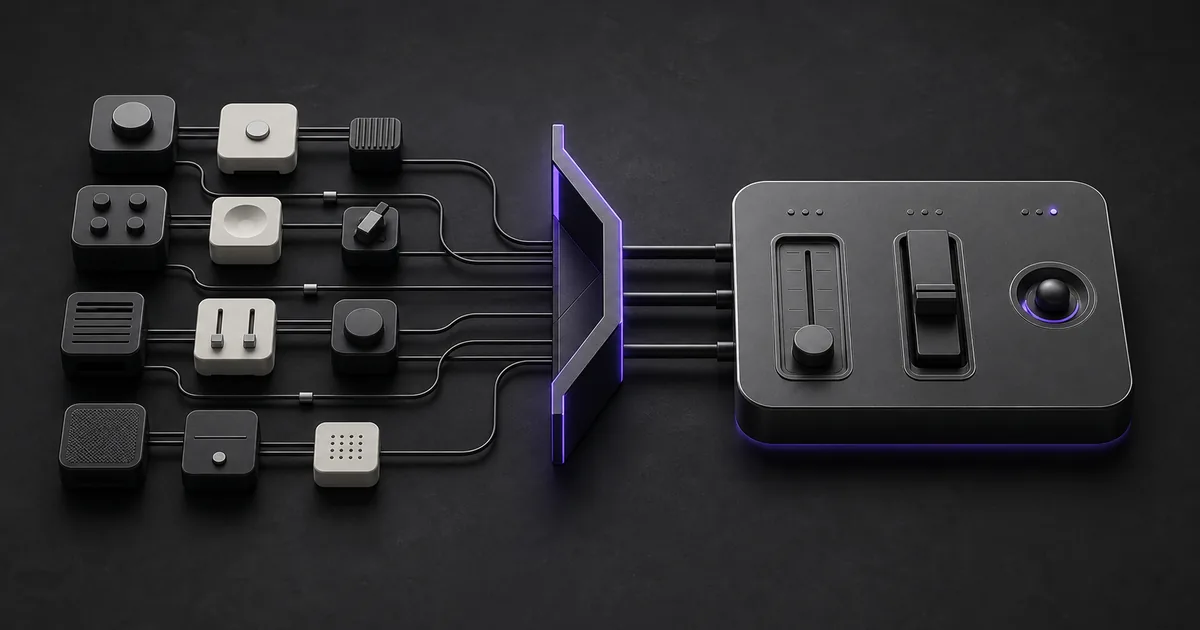
Do not assume the portal should replace the CRM, support platform, billing system, or warehouse. It can sit above them as a control surface while each source continues to own its records.
How do off-the-shelf, hybrid, and custom portals compare?
The best option is the smallest one that passes the real workflow. Government Digital Service purchasing guidance recommends defining user needs, full lifecycle cost, internal capability, and the build-or-buy decision. It favors buying when a commercial product meets most needs without heavy bespoke change.
| Decision factor | Buy or configure | Hybrid | Custom portal |
|---|---|---|---|
| Workflow fit | Standard requests, approvals, records, and reporting | Standard records with a distinctive handoff or view | Distinctive rules, roles, and exception paths |
| First proof | Configure one hard workflow in a trial | Connect one end-to-end slice | Prototype the riskiest rule and permission boundary |
| Data | Lives mainly inside the product | Stays in existing systems of record | Requires an explicit source-of-truth design |
| Ownership | Vendor roadmap plus an internal administrator | Shared across vendors and the custom seam | Internal owner plus a funded technical operator |
| Cost shape | Seats, usage, setup, admin, and exit | Retained subscriptions plus integration support | Delivery plus hosting, security, maintenance, and change |
| Exit test | Export data and configuration in usable form | Replace either layer without rebuilding everything | Transfer code, infrastructure, secrets, tests, and docs |
How do you quantify tool-sprawl cost without inventing a benchmark?
Use your own invoices and work records. Annual tool-sprawl burden equals overlapping licenses, administration, manual transfer and reconciliation, exception repair, integration support, and an annualized share of migration or exit work. Keep the avoidable portion separate from software that still provides necessary system-of-record functions.
Consider a fictional 12-person operations team. It holds 24 overlapping seats across three tools at $30 per seat each month, spends five hours a week moving or reconciling data, and spends two more hours repairing exceptions. At an illustrative loaded labor rate of $60 per hour, the annual burden is $8,640 in seats plus $21,840 in handling, or $30,480.
That $30,480 is not a savings forecast. It is a ceiling to investigate. A portal may remove only part of the handling work, and the retained systems may keep most seat costs. Compare the avoidable share with a documented buy, hybrid, or custom cost range.
What requirements justify a custom internal portal?
Custom deserves a serious evaluation when the requirement is both distinctive and valuable. A request form with ordinary routing rarely clears that bar. A cross-system approval that must show customer context, enforce a specific policy, record who decided, and recover safely from partial failure might.
- Map the trigger, required context, decision, write actions, and exception path.
- List each user role and the records or actions it may access.
- Name the source of truth for every field shown or changed.
- Measure current cycle time, handling time, repair work, and avoidable licenses.
- Name the business owner, technical operator, and replacement path.
If the team cannot answer those questions, more software will hide the uncertainty rather than resolve it.
When do buying and hybrid approaches win?
Buy when a supported product passes the hard workflow with configuration, including permissions, accessibility, integrations, and exception handling. GDS advises teams to trial one small but difficult problem, test integration and user experience, and avoid modifications that make upgrades or support harder.
Hybrid wins when the company already trusts its core systems but staff must jump between them to complete one decision. Keep customer, billing, support, or product records where they belong. Add only the request queue, consolidated context, approval control, and status view that the workflow lacks. This limits the custom surface without forcing people to operate across several tabs.
Security and accessibility belong in the cost model
Custom ownership includes work that a software demo does not show. NIST's Secure Software Development Framework treats security practices as part of the development lifecycle. A custom portal therefore needs documented requirements, protected development and deployment, review, testing, vulnerability response, and a maintained operating process.
For authorization, the OWASP Authorization Cheat Sheet calls for least privilege, deny-by-default behavior, permission checks on every request, appropriate logging, and tests for access rules. Internal does not mean harmless. A logged-in user should still see and change only the records their role permits.
Accessibility also belongs in the acceptance criteria. WCAG 2.2 provides testable criteria for keyboard access, focus, reflow, target size, error handling, and accessible authentication. Include those checks in both vendor trials and custom acceptance tests.
A proof before you commit
Run the same representative slice through every credible option. Use sanitized records, real roles, one meaningful exception, and an agreed outcome. The proof should reveal operating effort, not reward the most polished generic demo.
- Complete one request from intake through approval and source-record update.
- Use two roles to test allowed and denied actions.
- Force missing data, a duplicate event, and a downstream failure.
- Record setup time, weekly administration, manual repair, and support dependencies.
- Export the data, rules, logs, and documentation needed to leave.
If configuration passes, buy it. If only the seam fails, use a hybrid. Build a custom portal when the whole distinctive workflow passes and the team can fund its ownership. For a scoped review of that last path, see Zyphh's custom apps and portals service.
Turn this into your own build plan.
Run the Workflow Opportunity Score or book a strategy call. Bring one repeated workflow, the tools involved, and the number that should move.
Run the scoreSources and further reading
FAQ
What is a custom internal portal?
A custom internal portal is a private web application built around one organization's roles, records, rules, and repeated decisions. It may combine requests, approvals, task queues, dashboards, and exception handling while leaving source data in existing systems.
Should an internal portal replace the CRM or support platform?
Usually not. Keep established systems as the sources of truth when they already manage records well. A focused portal can pull the context needed for a decision, write approved changes back, and show status without becoming a replacement system.
Is a custom portal more secure than off-the-shelf software?
Not by default. Custom software gives the team control over its security design but also gives it the work. Compare access rules, testing, logging, vulnerability handling, hosting, incident response, vendor evidence, and ongoing ownership for each option.