What is the short answer on build vs buy AI automation?
For most SaaS teams, buy the commodity capability, configure it first, and build only the workflow logic that cannot fit safely inside the product. Custom automation earns its cost when the value sits in a cross-system sequence, distinctive business rules, or failure handling. A hybrid is often the practical answer.
Start with the workflow, not the software category. Define the required outcome, exceptions, data boundary, and owner. Then compare the smallest credible bought path with the smallest credible custom path. Zyphh's AI build options use that sequence so a familiar product gets a fair chance before custom work enters the plan.
How do build, buy, and hybrid approaches compare?
Build gives the most control and the most direct operating responsibility. Buy transfers much of the product roadmap and maintenance to a vendor, but leaves configuration, adoption, integration, and supplier risk with your team. Hybrid keeps standard platforms and adds a narrow custom layer where the workflow needs it.
| Decision factor | Buy or configure | Build custom | Hybrid |
|---|---|---|---|
| Best fit | A common process that matches supported product behavior | A distinctive workflow or policy that creates material value | Standard records with a unique handoff across systems |
| Fastest credible start | Configure and test an existing feature | Scope the smallest useful custom system | Keep the core product and add one missing layer |
| Control | Within vendor features, APIs, contracts, and release choices | Over code, rules, interface, deployment, and roadmap | Custom control at the boundary, vendor control underneath |
| Main obligation | Vendor due diligence, admin ownership, adoption, and renewal | Delivery, security, testing, monitoring, maintenance, and staffing | Clear ownership across both sides of the seam |
| Exit test | Can data, rules, and history leave in a usable form? | Can another team operate the code and infrastructure? | Can either layer be replaced without rebuilding the other? |
When is buying off-the-shelf software the better answer?
Buy when a mature product meets the must-have workflow without heavy modification. The UK Government Digital Service's technology purchasing guidance recommends understanding requirements, full cost, lifecycle, and internal capability before choosing. It favors buying when commercial products meet most user needs and need little bespoke change.
That describes many routine operations. A CRM can own records and permissions. A support platform can manage queues. A workflow product can handle standard delays, branches, record updates, and owner rotation. HubSpot's current workflow action documentation, for example, exposes those capabilities alongside subscription, permission, and synchronization constraints.
Constraints are useful evidence. If the native feature covers the real path, including exceptions, use it. If the team needs several workarounds, hidden spreadsheets, or manual repair steps to make the feature look complete, the product may be moving complexity rather than removing it.
When does a custom AI workflow tool earn its cost?
Build when the requirement is distinctive, valuable, and hard to express through supported configuration. Custom work is easier to justify when several systems must act in a precise order, timing changes the outcome, or an operator needs to see and control the decision path. Control alone is not enough.
Four signals deserve a serious build evaluation. First, the workflow encodes business policy that changes how the company sells or serves customers. Second, no product owns the full sequence. Third, a failure needs a specific fallback, approval, or rollback. Fourth, the company has someone who can approve policy changes after launch.
The last signal is the one teams skip. Code delivery is the beginning of ownership. The UK's Software Security Code of Practice calls for secure development, testing, change controls, vulnerability handling, maintenance, and clear accountability. A SaaS team building for internal use should still ask who will fund and perform those jobs.
When is a hybrid approach stronger than either extreme?
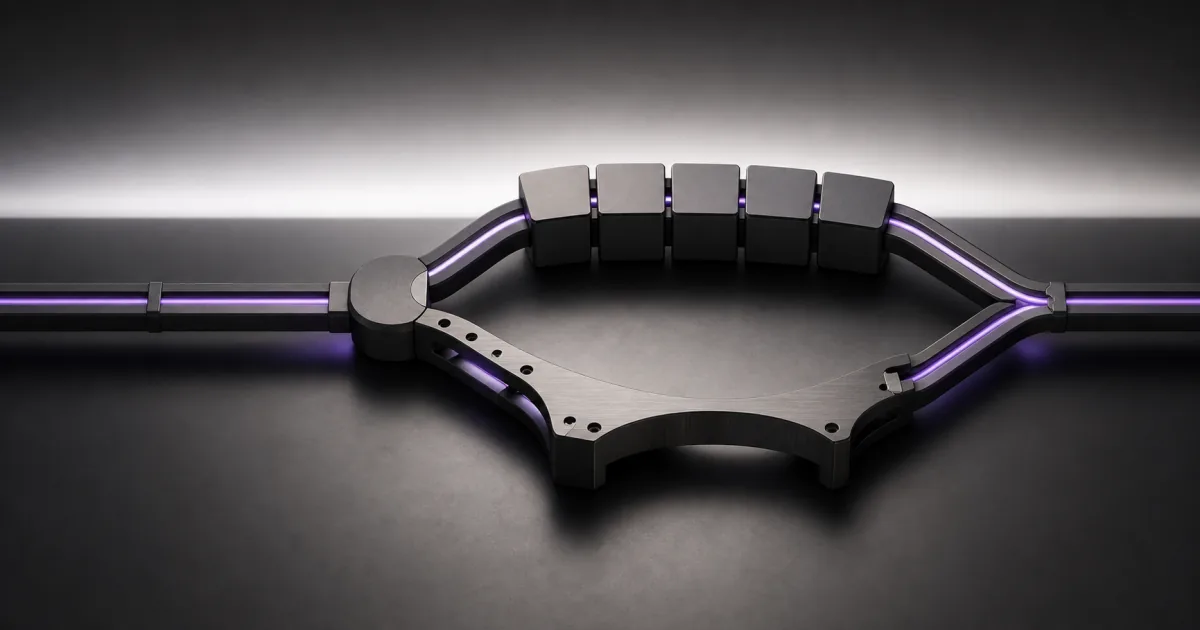
Hybrid is usually strongest when trusted products already own the records, while the valuable gap lies between them. Keep identity, permissions, customer records, and standard objects in established systems. Build a thin orchestration, approval, or interface layer that handles the sequence the products do not share.
Consider an illustrative trial-to-paid handoff. Product analytics can keep usage events, the CRM can keep accounts and opportunities, and the support platform can keep conversations. A focused custom layer might normalize the events, apply the company's qualification policy, request human approval for ambiguous accounts, then write the approved outcome back.
This design avoids a replacement CRM and keeps the unique rule visible. It also creates a seam that needs an owner. Define which system is authoritative for each field, how retries prevent duplicates, where exceptions wait, and how the custom layer is bypassed or replaced.
How should a SaaS team compare full lifecycle cost?
Compare complete operating paths, not subscription price against developer salary. Government Digital Service guidance says to account for building or buying, upgrades, continuous improvement, and retirement. Its integration guidance also asks what skills the organization needs to support and improve the technology, and what happens if it fails or disappears.
For a bought path, include licenses, usage, implementation, integration, premium support, admin time, manual exceptions, renewals, and exit work. For a custom path, include discovery, delivery, infrastructure, security review, testing, monitoring, incident response, documentation, maintenance, and a replacement operator. A hybrid carries costs from both lists, although the custom surface should be smaller.
Use low, expected, and high ranges when inputs are uncertain. Then add opportunity cost: what valuable work waits while this is implemented? Do not turn a rough range into a promised return. The goal is to expose which assumptions could reverse the choice.
How does AI change the build-or-buy decision?
AI adds evaluation, data, permission, and fallback questions, but it does not erase ordinary software responsibilities. NIST's AI Risk Management Framework Core applies to organizations that design, deploy, or acquire AI systems. It organizes the work around govern, map, measure, and manage throughout the lifecycle.
That supports a practical split. Buy access to capable models and standard product features. Build or configure the control layer around them: allowed data, retrieval, tests, confidence thresholds, human approvals, logs, fallback behavior, and incident ownership. The model may change while those controls remain.
Ask one unfashionable question too: does the workflow need AI? Deterministic validation, routing, calculation, and record updates are often easier to test with rules. Use a model for bounded tasks such as interpreting messy text or drafting from approved context, not as decoration on a workflow that already has a clear rule.
What five gates should every option pass?
A credible option must pass five gates: functional fit, operating risk, ownership, economics, and exit. A failure at a mandatory gate removes the option even if its demo looks better. Score each gate with evidence from the actual workflow, then record what would change the decision.
- Fit: Verify the exact events, fields, actions, permissions, timing, and user experience. A connector name or feature label is not proof.
- Risk: Test missing data, duplicate events, timeouts, bad model output, partial writes, revoked credentials, and rollback.
- Ownership: Name the business owner, day-to-day operator, technical escalation path, and cover for absence.
- Economics: Compare lifecycle cost ranges, opportunity cost, and the value of the measured outcome. Show the assumptions.
- Exit: Check data export, rule portability, log retention, contract terms, code documentation, and the time needed to replace a critical layer.
What should a representative pilot prove?
A pilot should put the closest native feature and the smallest custom extension through the same hard workflow. Use sanitized but representative records, one target outcome, and agreed failure cases. The point is to compare operating evidence, not the polish of two unrelated demos.
Before the pilot ends, confirm that an operator can explain each decision, repair an exception, change one rule safely, and find the source record. Resend an event to test duplicate handling. Revoke a credential to test alerts. Force a low-confidence AI result to test the human path. Export the configuration or documentation needed for exit.
If the native path passes, buy it. If a narrow custom layer closes a valuable gap, use a hybrid. Build more only when the custom path proves a better outcome and the team accepts the ongoing duties. If the workflow itself is still unclear, use the Workflow Opportunity Score before choosing software.
Turn this into your own build plan.
Run the Workflow Opportunity Score or book a strategy call. Bring one repeated workflow, the tools involved, and the number that should move.
Run the scoreSources and further reading
- UK Government Digital Service: Define your purchasing strategy
- UK Government Digital Service: Integrate and adapt technology
- NIST: AI Risk Management Framework Core
- HubSpot Knowledge Base: Choose your workflow actions
- UK Department for Science, Innovation and Technology: Software Security Code of Practice
FAQ
Is custom AI automation always more expensive than SaaS?
No. Either path can cost more over its lifecycle. A bought product can accumulate usage, seat, integration, admin, workaround, and exit costs. A custom system carries delivery, infrastructure, security, testing, monitoring, maintenance, and staffing costs. Compare ranges for the same workflow and outcome.
Does faster AI-assisted coding make building the default?
No. Faster code generation can shorten part of delivery, but it does not settle requirements, data access, user adoption, testing, security, incident response, maintenance, or ownership. Build only when the workflow gap is valuable enough to justify those duties.
Can a SaaS team buy first and build later?
Yes. Treat the first product as a supported component, not a permanent answer. Keep business rules documented, use stable interfaces where possible, retain representative test cases, and confirm how data and configuration can be exported before the workflow becomes critical.